Proxy vs Reverse Proxy: Which Way Does It Face?
Series: System Design · Scalability & Infrastructure — Pillar 6 of 8
Systems Design
| # | Post | What it covers |
|---|---|---|
| 00 | Scalability & Infrastructure: The Layer Between Your Code and the Internet | Nine concepts covering load balancing, rate limiting, proxies, compression, and probabilistic data structures that keep large systems fast and reliable. |
| 01 | Client-Server Architecture: The Model Everything Else Builds On | Client-server is the foundational model for distributed systems. Learn what clients and servers know, where state lives, and how the model scales. |
| 02 | Load Balancing: Distributing Traffic Across Servers | Load balancers distribute traffic across servers for scale and availability. Learn how they work, what types exist, and what they require of backend servers. |
| 03 | Load Balancing Algorithms: How Traffic Is Distributed | Round robin, least connections, IP hash, weighted — each algorithm makes different tradeoffs. Learn how to choose the right one for your workload. |
| 04 | Rate Limiting: Protecting Services from Overload | Rate limiting protects services from overload and abuse. Learn how token bucket, leaky bucket, and sliding window algorithms work and when to use each. |
| 05 | Proxy vs Reverse Proxy: Which Way Does It Face? ← you are here | Forward proxies protect clients; reverse proxies protect servers. Learn how each works, what Nginx and Cloudflare do, and when you need which. |
| 06 | Data Compression: Smaller, Faster, Cheaper | Compression reduces bandwidth and storage costs. Learn how Gzip, Brotli, LZ4, and zstd work, where to apply them, and the CPU tradeoffs involved. |
| 07 | Checksums: Detecting Corruption Before It Becomes a Catastrophe | Checksums detect silent data corruption in transit and storage. Learn how CRC32, MD5, and SHA-256 work and where to apply them in distributed systems. |
| 08 | Bloom Filters: Answering "Have I Seen This?" Without Storing Everything | A Bloom filter answers "have I seen this?" in constant memory. Learn how they work, why false positives are acceptable, and where they're used in production. |
| 09 | HyperLogLog: Counting Distinct Items Without Storing Them | HyperLogLog counts distinct values in ~1.5 KB of memory with <2% error. Learn how it works and why Redis, BigQuery, and Postgres use it. |
| 10 | Scalability & Infrastructure: Wrap-Up | A recap of all 9 scalability concepts: load balancing, rate limiting, proxies, compression, checksums, Bloom filters, and HyperLogLog. How they fit together. |
Proxy vs Reverse Proxy: Which Way Does It Face?
The problem
"It goes through the proxy" is a sentence that appears in architecture discussions regularly and means completely different things depending on context. A corporate network's proxy is a machine that employees' traffic passes through on its way to the internet. An application's Nginx instance is also called a proxy — but it sits in the opposite direction, intercepting incoming traffic before it reaches the application.
These are both proxies in the general sense (intermediaries between two parties), but they serve opposite roles with opposite security models. The distinction isn't just terminological. It affects where certificates live, who sees what traffic, how to route, and what the intermediary can and can't do.
The core idea
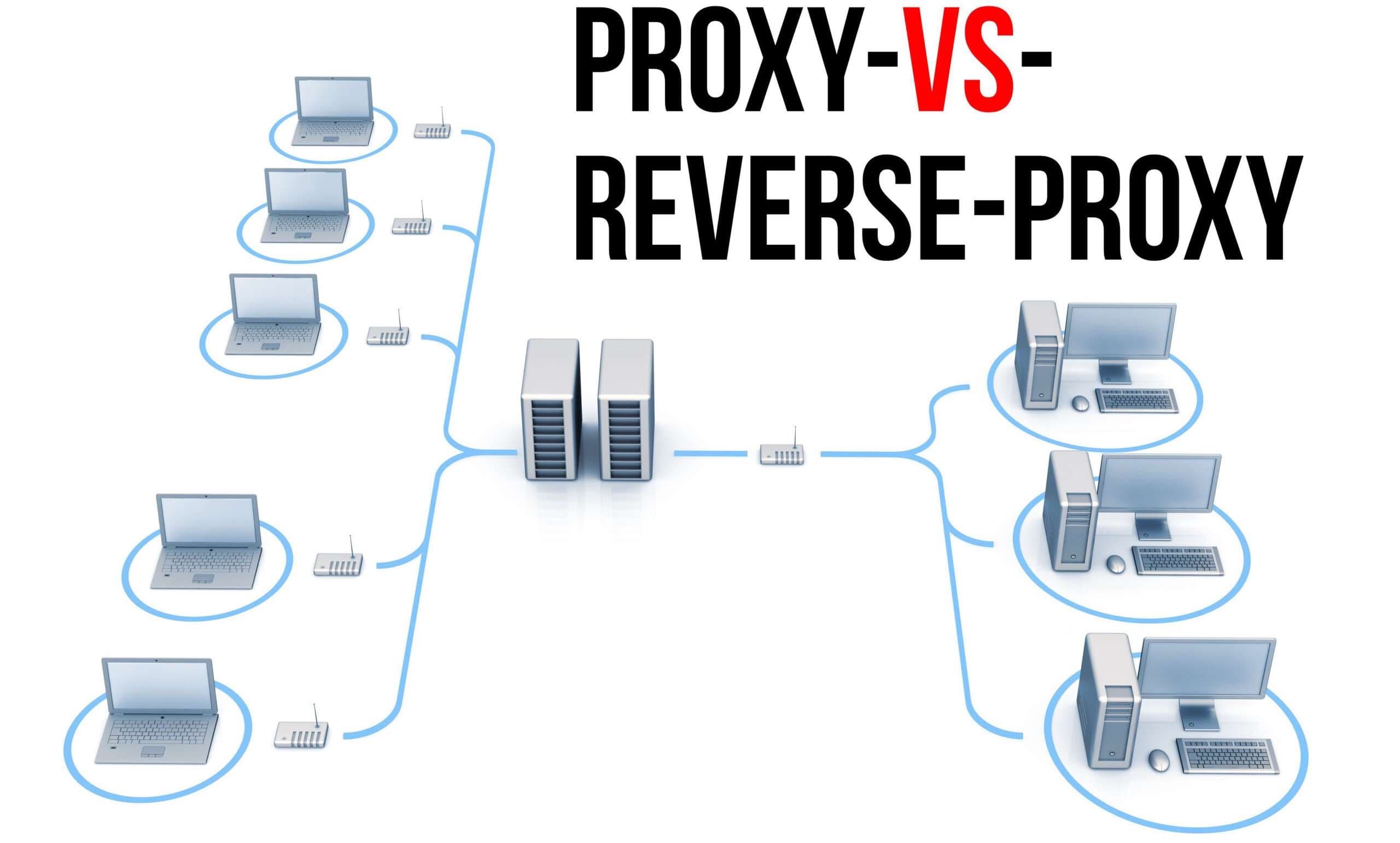
A forward proxy (usually just called a "proxy") sits on the client side — it makes requests on behalf of clients, hiding client identity from the destination server.
A reverse proxy sits on the server side — it accepts requests on behalf of backend servers, hiding backend topology from clients.
The direction of the proxy's allegiance is everything.
The analogy: a mail room
Forward proxy — the outgoing mail room: Employees in a company don't send personal letters directly — they drop them at the company mail room, which sends them with the company's return address. The recipient sees mail from "ACME Corp," not from an individual employee. The mail room can log what's being sent, block certain destinations, or route letters through specific carriers.
Reverse proxy — the reception desk: All mail addressed to ACME Corp arrives at reception. The receptionist sorts it — this goes to Accounts, that goes to Engineering, this one to the CEO. The sender addressed everything to "ACME Corp" and has no idea which building, floor, or desk handled it. The reception desk can also open packages and inspect them before forwarding.
Same company. Same building. Two different mail functions, pointing in opposite directions.
Forward proxy
A forward proxy sits between a client (or a group of clients) and the broader internet.
Client → Forward Proxy → Internet (destination server)

From the destination server's perspective:
  All requests come from the proxy's IP
  Client IP is invisible (unless X-Forwarded-For is added)
Use cases:
Corporate internet access: a company routes all employee web traffic through a proxy. The proxy enforces URL filtering (block social media, gambling sites), logs all outbound requests (compliance), applies caching (reduce bandwidth for commonly accessed sites), and can inspect traffic for malware.
Anonymisation: users route traffic through a proxy to hide their IP address from destination servers. VPNs are a form of forward proxy.
Traffic control: a development environment routes external API calls through a proxy to intercept and inspect requests, inject test responses, or throttle calls to third-party APIs during load testing.
CDN origin fetching: a CDN's edge node acts as a forward proxy when it fetches content from your origin server on a cache miss — the request originates from the CDN, not the end user.
Reverse proxy
A reverse proxy sits in front of backend servers, accepting requests from the internet on the backend's behalf.
Internet → Reverse Proxy → Backend Server(s)

From the client's perspective:
  All traffic goes to the reverse proxy's IP
  Backend servers are invisible
Use cases:
TLS termination: the reverse proxy holds the TLS certificate and private key. All HTTPS from the internet terminates here; the proxy communicates with backends over HTTP on the private network.
Client ──HTTPS──▶ Reverse Proxy ──HTTP──▶ Backend A
                 (holds cert)              Backend B
                                           Backend C
Load balancing: route requests across multiple backend instances (the previous two posts). The reverse proxy selects the backend, not the client.
Caching: cache responses from slow backends. A reverse proxy like Varnish or Nginx with proxy_cache stores responses for a TTL and serves them directly without hitting the backend.
Request routing: route based on path, host, or headers.
/api/*         → API server fleet
/static/*      → object storage (S3) or CDN
/dashboard/*   → dashboard service
Authentication: verify auth tokens at the reverse proxy before passing requests to backends. Backends receive only authenticated requests.
Compression and header manipulation: compress responses before sending to clients; add or strip headers; inject security headers (X-Frame-Options, Content-Security-Policy).
DDoS and rate limiting: apply rate limiting at the proxy layer before requests reach application code.
Common implementations
Nginx: the most widely used reverse proxy. Handles TLS termination, load balancing, caching, request routing, compression, and rate limiting. Often the first layer in front of application servers.
HAProxy: high-performance Layer 4 and Layer 7 load balancing and proxying. Known for reliability under extreme load.
Envoy: a modern proxy designed for microservices — service mesh proxy, sidecar pattern (Pillar 7 topic).
Traefik: cloud-native reverse proxy that auto-discovers backends in Docker and Kubernetes environments.
Cloudflare, Fastly, Akamai: CDN providers that act as reverse proxies at the network edge — handling TLS, DDoS protection, caching, and global distribution before traffic ever reaches your data centre.
AWS ALB / GCP Load Balancer: managed reverse proxy and load balancer services.
Side by side
| Forward Proxy | Reverse Proxy | |
|---|---|---|
| Sits in front of | Clients | Servers |
| Represents | Clients (to servers) | Servers (to clients) |
| Hides | Client identity | Backend topology |
| Configured by | Client side (corporate IT, end user) | Server side (platform owner) |
| Typical use | Access control, anonymisation, caching for outbound | TLS termination, load balancing, routing, caching for inbound |
| Who sets it up | The client or their organisation | The service owner |
| Examples | Squid, corporate VPN, mitmproxy | Nginx, HAProxy, Cloudflare, AWS ALB |
The URL shortener's reverse proxy layer
Incoming traffic: sho.rt → Cloudflare (edge reverse proxy)
  - TLS termination at edge
  - DDoS protection, bot detection
  - Cache-Control headers for popular redirects cached at edge
  - Rate limiting on redirect API

Cloudflare → AWS ALB (internal reverse proxy + load balancer)
  - Routes /api/* to app server fleet
  - Routes /static/* to S3
  - Health checks on app servers
  - Internal TLS

App servers → PgBouncer (database proxy)
  - Connection pooling (covered in Pillar 4)
  - Routes to PostgreSQL primary or replicas
Every layer is a proxy of some kind. The distinction between forward and reverse is about direction and allegiance — not about the technology.
Tradeoffs
Centralisation of concerns: a reverse proxy centralises TLS, routing, compression, and auth in one place. This is efficient but creates a component that must be kept current. A misconfigured reverse proxy can break all backends simultaneously.
Latency addition: every proxy hop adds a network round-trip. Typically 1–5ms per hop. In multi-tier architectures (CDN edge → ALB → Nginx → app server), this adds up. Each proxy must justify its presence in the latency budget.
Single point of failure: a single reverse proxy is a SPOF. Production deployments run pairs with failover. Managed services (Cloudflare, ALB) handle this automatically.
The one thing to remember
The direction of the proxy determines everything. A forward proxy faces outward — it represents clients to servers. A reverse proxy faces inward — it represents servers to clients. When you configure Nginx in front of your application, you're configuring a reverse proxy: all incoming client traffic passes through it, and clients have no idea your application exists behind it. This is where TLS termination, load balancing, caching, routing, and rate limiting live — at the boundary between the internet and your backend.
← Previous: Rate Limiting — even a perfect load balancer needs a mechanism to protect services from clients that send too many requests.
→ Next: Data Compression — reducing payload size in transit and at rest; the compression algorithm choice involves tradeoffs between speed, ratio, and CPU cost.




