Cheat Sheet #day9 - GIT Commands
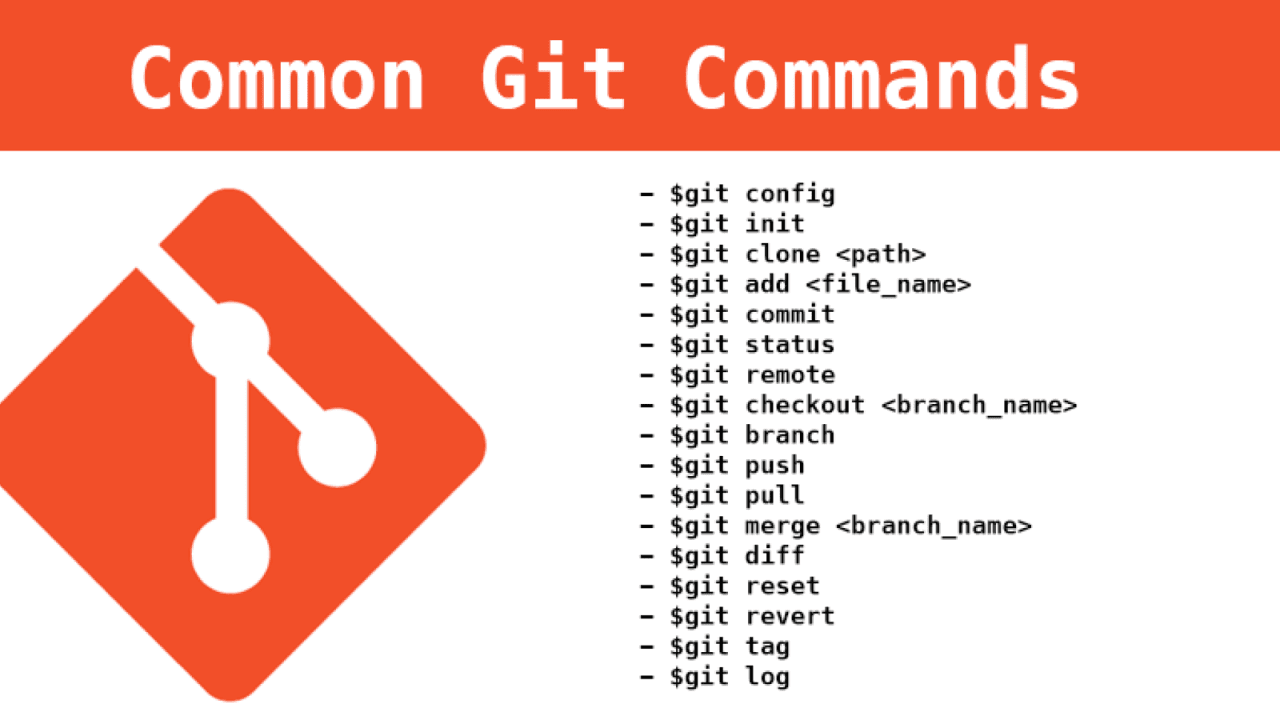
Git Cheat Sheet
Git is a distributed version control system used to track changes in source code during software development. This cheat sheet covers the most essential Git commands and workflows.
NOTE: Replace user names and emails to suit your environment setup accordingly !!
Configuration
- Set user name:
git config --global user.name "Cloud Tuned" - Set user email:
git config --global user.email "boss@cloudtuned.com" - Set default text editor:
git config --global core.editor "code --wait" - View all settings:
git config --list
Repository Setup
- Initialize a new repository:
git init - Clone an existing repository:
git clone https://github.com/user/repo.git
Basic Commands
- Check repository status:
git status - Track new files:
git add filename - Stage all changes:
git add . - Commit changes:
git commit -m "Commit message" - Add and commit changes:
git commit -am "Commit message" - Remove files from staging area:
git reset filename - Unstage everything:
git reset - Undo the last commit (keep changes):
git reset --soft HEAD~ - Undo the last commit (discard changes):
git reset --hard HEAD~
Branching
- List branches:
git branch - Create a new branch:
git checkout -b new-branch - Switch to a branch:
git checkout branch-name - Rename the current branch:
git branch -m new-branch-name - Delete a branch:
git branch -d branch-name
Merging and Rebasing
- Merge a branch into the current branch:
git merge branch-name - Rebase the current branch onto another branch:
git rebase branch-name - Continue a rebase after resolving conflicts:
git rebase --continue - Abort a rebase:
git rebase --abort
Remote Repositories
- Add a remote repository:
git remote add origin https://github.com/user/repo.git - List remote repositories:
git remote -v - Fetch changes from a remote repository:
git fetch - Push changes to a remote repository:
git push origin branch-name - Pull changes from a remote repository:
git pull
Tags
- List tags:
git tag - Create a tag:
git tag tag-name - Delete a tag:
git tag -d tag-name - Push tags to a remote repository:
git push origin --tags
Stashing
- Stash changes:
git stash - List stashes:
git stash list - Apply the last stash:
git stash apply - Apply a specific stash:
git stash apply stash@{index} - Drop a stash:
git stash drop stash@{index} - Pop the last stash (apply and remove):
git stash pop
Logs and History
- View commit history:
git log - View commit history with a graph:
git log --graph --oneline --all - Show changes for a specific commit:
git show commit-hash - Show changes between two commits:
git diff commit-hash1 commit-hash2
Undoing Changes
- Revert a commit:
git revert commit-hash - Discard local changes to a file:
git checkout -- filename - Restore a deleted file:
git checkout commit-hash -- filename
Miscellaneous
- Show help for a command:
git command --help - Show the current configuration:
git config --list - Generate an archive from a branch or tag:
git archive -o archive-name.tar.gz branch-name
This cheat sheet covers the most common Git commands and workflows. For more advanced usage and options, refer to the Git documentation.




