Cheat Sheet #day16 - kubectl Commands
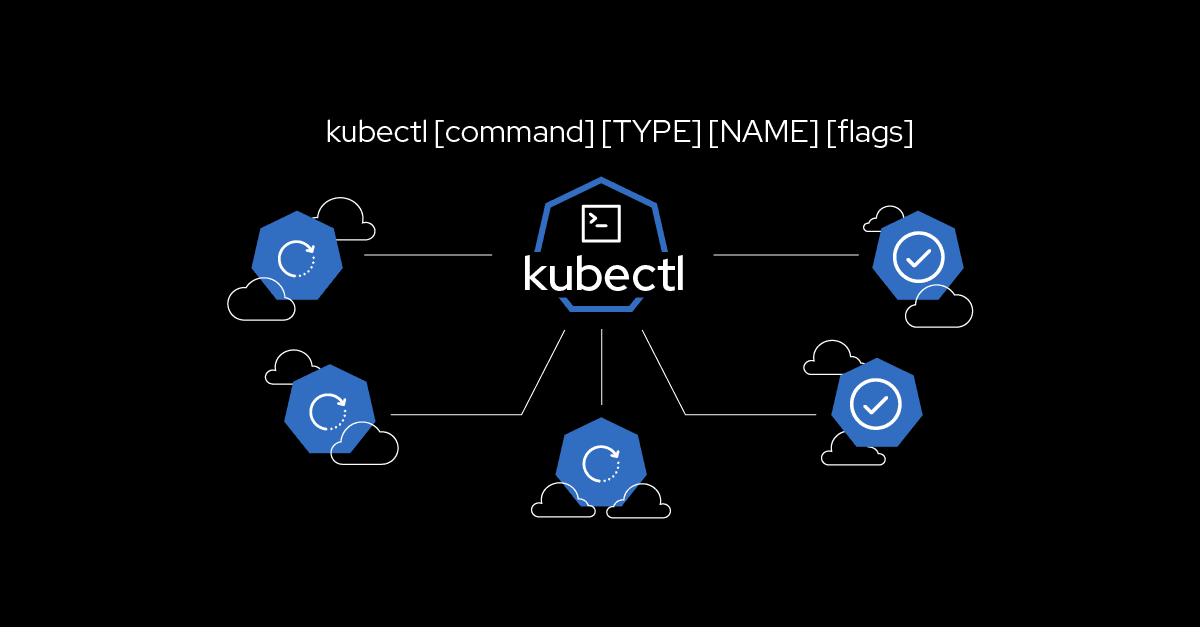
kubectl Commands Cheat Sheet
kubectl is the command-line tool for interacting with Kubernetes clusters. This cheat sheet covers the most commonly used kubectl commands to help manage and troubleshoot Kubernetes clusters.
Cluster Information
Check kubectl Version:
kubectl version --clientDisplay Cluster Info:
kubectl cluster-infoList Nodes:
kubectl get nodesDescribe a Node:
kubectl describe node NODE_NAME
Namespaces
List Namespaces:
kubectl get namespacesCreate a Namespace:
kubectl create namespace NAMESPACE_NAMEDelete a Namespace:
kubectl delete namespace NAMESPACE_NAME
Pods
List Pods:
kubectl get podsList Pods in All Namespaces:
kubectl get pods --all-namespacesDescribe a Pod:
kubectl describe pod POD_NAMEGet Pod Logs:
kubectl logs POD_NAMEExecute a Command in a Pod:
kubectl exec -it POD_NAME -- COMMANDCreate a Pod from a YAML File:
kubectl apply -f pod.yamlDelete a Pod:
kubectl delete pod POD_NAME
Deployments
List Deployments:
kubectl get deploymentsDescribe a Deployment:
kubectl describe deployment DEPLOYMENT_NAMEScale a Deployment:
kubectl scale deployment DEPLOYMENT_NAME --replicas=NUMBER_OF_REPLICASUpdate a Deployment:
kubectl set image deployment/DEPLOYMENT_NAME CONTAINER_NAME=IMAGE:TAGRoll Back a Deployment:
kubectl rollout undo deployment/DEPLOYMENT_NAMEGet Deployment Status:
kubectl rollout status deployment/DEPLOYMENT_NAME
Services
List Services:
kubectl get servicesDescribe a Service:
kubectl describe service SERVICE_NAMEExpose a Deployment as a Service:
kubectl expose deployment DEPLOYMENT_NAME --type=LoadBalancer --name=SERVICE_NAMEDelete a Service:
kubectl delete service SERVICE_NAME
ConfigMaps and Secrets
List ConfigMaps:
kubectl get configmapsCreate a ConfigMap from a File:
kubectl create configmap CONFIGMAP_NAME --from-file=FILE_PATHDescribe a ConfigMap:
kubectl describe configmap CONFIGMAP_NAMEDelete a ConfigMap:
kubectl delete configmap CONFIGMAP_NAMEList Secrets:
kubectl get secretsCreate a Secret from Literal:
kubectl create secret generic SECRET_NAME --from-literal=key1=value1 --from-literal=key2=value2Describe a Secret:
kubectl describe secret SECRET_NAMEDelete a Secret:
kubectl delete secret SECRET_NAME
Persistent Volumes and Claims
List Persistent Volumes:
kubectl get pvDescribe a Persistent Volume:
kubectl describe pv PV_NAMEList Persistent Volume Claims:
kubectl get pvcDescribe a Persistent Volume Claim:
kubectl describe pvc PVC_NAME
Config Management
Apply a Configuration:
kubectl apply -f config.yamlDelete a Resource from a Configuration File:
kubectl delete -f config.yamlDiff Current State with Configuration File:
kubectl diff -f config.yaml
Resource Status
Get Resource Status:
kubectl get RESOURCE_TYPE RESOURCE_NAMEDescribe Resource:
kubectl describe RESOURCE_TYPE RESOURCE_NAME
Troubleshooting
View Events:
kubectl get eventsDebug a Resource:
kubectl describe RESOURCE_TYPE RESOURCE_NAMECheck Cluster Components Status:
kubectl get componentstatusesGet Logs for a Pod:
kubectl logs POD_NAMEFollow Logs for a Pod:
kubectl logs -f POD_NAME
Cleaning Up
Delete a Resource:
kubectl delete RESOURCE_TYPE RESOURCE_NAMEDelete All Pods in a Namespace:
kubectl delete pods --all -n NAMESPACE_NAMEDelete All Resources in a Namespace:
kubectl delete all --all -n NAMESPACE_NAME
Conclusion
This cheat sheet provides a quick reference to the most commonly used kubectl commands. For more detailed information and advanced usage, refer to the official Kubernetes documentation.




